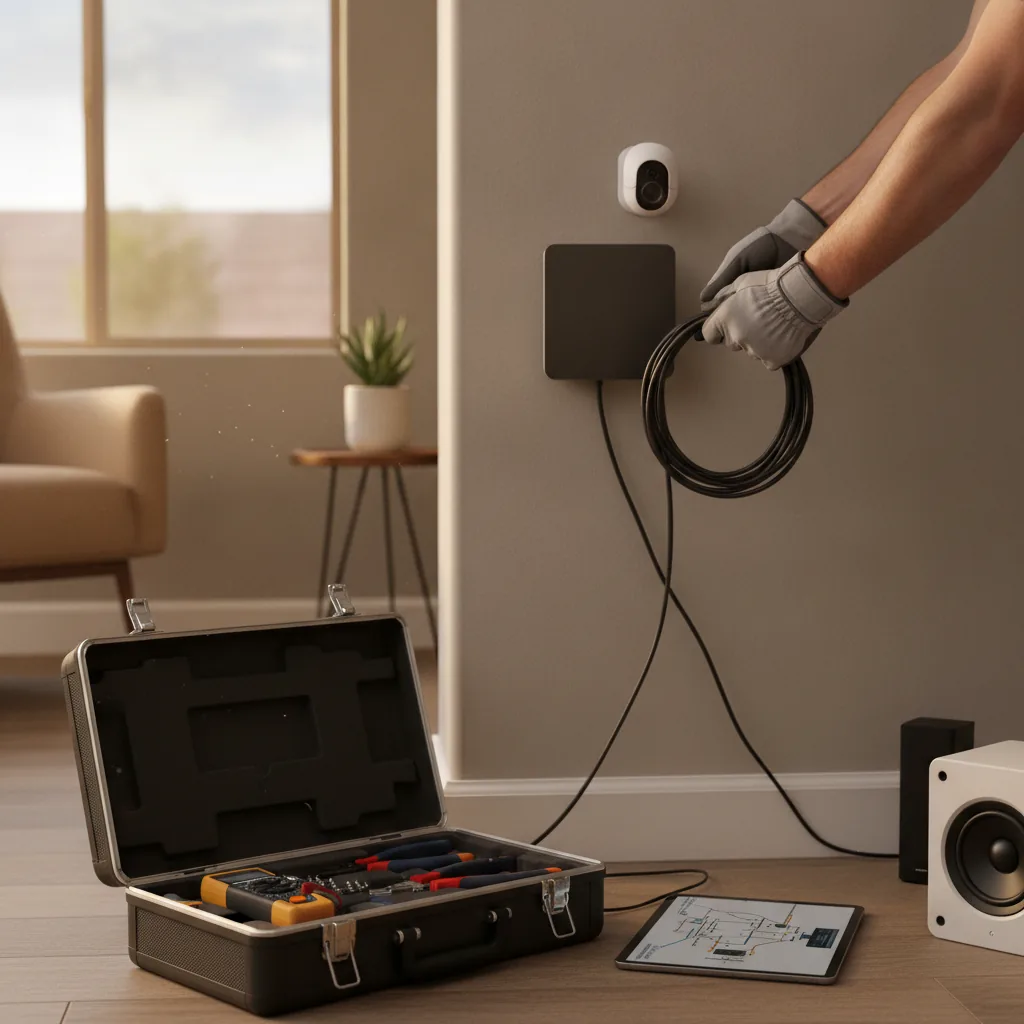
New Home Setup
Moving into a new place in Henderson? We'll get your network running right from day one. No guessing where the router should go.
Dead zones, slow speeds, and dropped connections are frustrating. We fix that fast.
Slow speeds in certain rooms are the most common complaint we hear. If your signal drops near the back of the house, your router placement is likely the problem. The same is true if it drops in the garage. Henderson homes built during the 2000s boom often have thick interior walls and long hallways that kill wireless signals. Older homes near Water Street can have wiring that makes a clean WiFi setup even harder. And in the summer heat, routers pushed into closets or cabinets overheat and throttle performance. A bad setup doesn't just annoy you. It can leave your smart devices, security cameras, and work computers running unreliably every day.[1]
Moving into a new place in Henderson? We'll get your network running right from day one. No guessing where the router should go.
Some rooms just don't get signal. We find out why and fix it, whether that means a better router spot or adding an access point.
You're paying for fast internet but nothing loads quickly. The problem is often your router or how it's configured, not your provider.
Remote workers in Green Valley and Anthem need rock-solid connections. We set up dedicated networks so work traffic doesn't compete with everything else.
Smart lights, thermostats, and cameras need a stable WiFi connection. We set up your network so all your devices stay connected.
Got new equipment from Cox or CenturyLink? We'll configure it properly so you're not stuck with default settings that underperform.
A bad WiFi setup doesn't fix itself. In our experience, most people live with slow or spotty internet for months before calling someone. By then, they've bought extra equipment they didn't need. We come in, look at what you actually have, and give you an honest answer. No upselling. No jargon. Just a network that works.
We keep it simple so you know exactly what's happening from the first call to the final test.
We walk through your home or office and check your current setup. We look at router placement, wall materials, and how many devices you're running. This tells us exactly what you need.
We set up your router, access points, or mesh system in the right spots. We configure your network name, passwords, and security settings. Everything gets done cleanly and correctly.
We test the signal in every room and on every device you want connected. Then we show you how to manage your network. You leave the appointment knowing exactly how things work.
WiFi setup pricing depends on the size of your home and what equipment you already have. A small apartment with one router is a quick job. A larger home in Anthem or MacDonald Ranch with multiple floors takes more time. It may also need extra hardware. We give you a clear price before any work starts. There are no hidden fees and no surprise add-ons after the job is done. Most customers are surprised by how straightforward our quotes are.
Here are the questions we hear most often from Henderson homeowners.
Most WiFi setups in Henderson run between $75 and $350, depending on your situation. A basic single-router setup for a smaller home is on the lower end. Larger homes with multiple floors or lots of smart devices cost more. We always give you a clear quote before starting.
Most setups are done in one to two hours. A simple router configuration can take under an hour. But if you have a larger home or need multiple access points, plan for two to three hours. We don't rush and we don't leave until everything is working.
You can, and some people do fine on their own. The most common mistake we see is wrong router placement. People usually put it near the front door or in a closet. That kills your range fast. A proper setup gets you better speeds and fewer headaches long-term.
It depends on your home's layout and size. For most Henderson homes under 2,000 square feet, a quality single router in the right location works great. Larger homes or homes with thick walls do better with a mesh system. We'll tell you honestly which one fits your situation.
Not always. Slow WiFi is often a placement or configuration problem, not a hardware problem. Last month a customer called about terrible speeds. We fixed it by moving the router and updating the settings. No new equipment needed. We check before recommending anything new.
Dead zones in certain rooms are the clearest sign. So are devices that drop connection repeatedly, or speeds that are much slower than what your provider promises. Your internet works fine on a laptop next to the router. But it fails across the house. The setup is the issue.
Yes, and it's something a lot of people overlook. Routers placed in hot spots like closets or near windows can overheat in Henderson summers and throttle their own performance. We check ventilation and placement as part of every setup. Good airflow keeps your router running reliably all year.
Don't keep dealing with dead zones and dropped connections. Our computer networking service team is local to Henderson and ready to help.
(702) 265-6819Complimentary first consultation on applicable jobs · Serving Henderson, Las Vegas & the surrounding valley